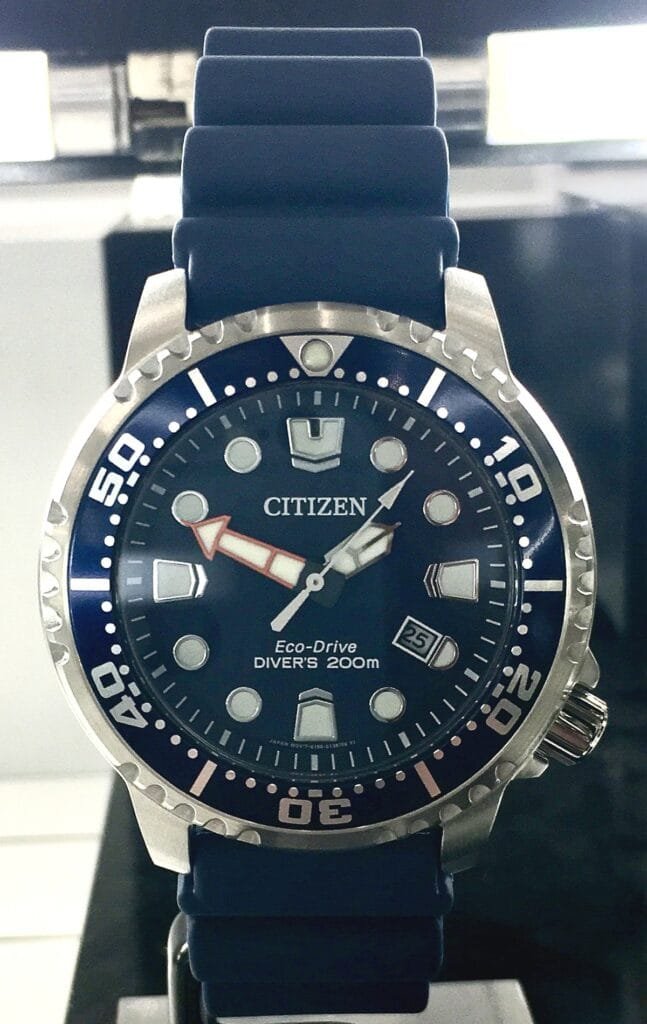
A blinking or double-jumping second hand on a Citizen Eco-Drive isn’t a malfunction, it’s the watch deliberately telling you something. Citizen built these signals into the movement on purpose, and once you know what each pattern means, there’s usually nothing to fix at all.
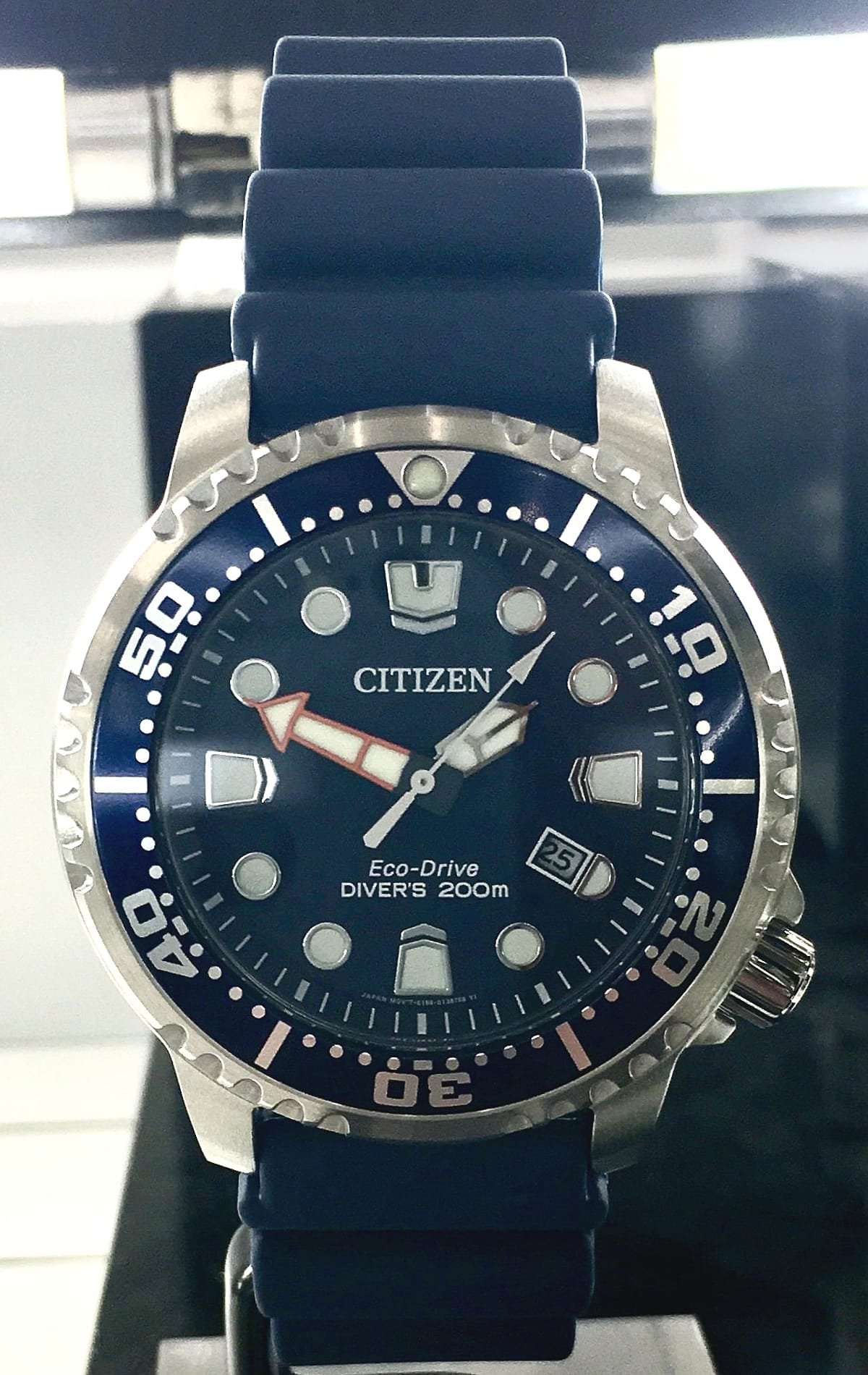
The Most Common Cause: Power Save Mode
If the watch has been kept somewhere dark for an extended period, a drawer, a dark corner of a closet, it can enter Power Save mode to conserve its remaining charge. In this mode, the hands stop moving entirely and only jump forward every so often, rather than sweeping continuously. This isn’t a fault, it’s the watch protecting its charge.
Fix: Expose the watch face to bright light, ideally direct sunlight, for a few hours. It should resume normal movement once it senses enough light and charge to come out of Power Save mode.
A Second Hand Moving in 2-Second Jumps
On many Eco-Drive models, if the second hand advances in visible 2-second jumps during normal operation (not the stopped, occasional-jump behavior of Power Save mode), that’s typically a low charge warning, letting you know the reserve is getting low even though the watch is still running normally otherwise.
Fix: Same as above, give it several hours of bright light or direct sun. Eco-Drive cells recharge from any light source, but direct sunlight is far faster than ambient indoor lighting.
Exactly How Long Charging Actually Takes
Citizen publishes specific figures for this, and they’re worth knowing so you’re not guessing:
- Direct sunlight: about 2 minutes gives roughly one day of running time; a full charge from empty takes around 11 hours
- Cloudy daylight: about 12 minutes for one day of running time; roughly 40 hours for a full charge
- Indoor fluorescent light (8 inches away): about 40 minutes for one day of running time; around 130 hours for a full charge
Once fully charged, most Eco-Drive watches will keep running in total darkness for at least 6 months. Citizen recommends at least 5 to 6 hours of direct sunlight per month to keep the reserve topped up under normal wear.
Checking the Power Reserve Directly
Most Eco-Drive models have a built-in power reserve indicator you can check without waiting to see if the hands blink. With the crown pushed all the way in, press and release the lower-right pusher, the seconds hand will move to a position on the dial that indicates the current charge level (often marked with segments or a percentage scale). Press the same pusher again to return to normal timekeeping.
One caveat worth knowing: the exact blink pattern that signals low charge versus Power Save mode can vary slightly between Eco-Drive calibers, some models use a distinct 2-second jump specifically for low charge, while simpler models may only have the stopped/occasional-jump Power Save behavior with no separate low-charge warning at all. If your watch’s behavior doesn’t match either pattern described here, check your specific model’s manual on Citizen’s support site by caliber number for that model’s exact warning functions.
If Light Exposure Doesn’t Resolve It
If you’ve given the watch a full day of direct sunlight and the hands are still jumping or blinking, or if the specific pattern doesn’t match what’s described here, the rechargeable cell itself may have degraded past the point of holding a useful charge. This happens gradually after many years, and it’s a cell replacement, not a full movement repair.
If the cell has already been replaced or you’re wondering how long a replacement will actually last, see our guide on how long a Citizen Eco-Drive battery actually lasts. And if the watch is completely dead rather than just blinking, our guide on reviving a dead Eco-Drive covers that specifically.
Conclusion
Blinking or jumping hands on an Eco-Drive are almost always a charge signal rather than damage. A solid session in direct sunlight, even just a couple of hours, resolves the large majority of cases, and checking the power reserve indicator tells you exactly where you stand without guessing. If sunlight doesn’t fix it, the rechargeable cell is likely due for replacement.