Before you reach for a screwdriver, press a button. A Casio showing every segment at once is frequently sitting in the module’s own LCD check mode, and Casio’s service documentation is clear that pressing any button returns the display to normal. It costs you two seconds to rule out.
This post contains affiliate links. We may earn a small commission if you purchase through them, at no extra cost to you.
Try These First, In This Order
- Press any single button. Exits the LCD check mode if that is what you are looking at.
- Hold Adjust and Mode together for a few seconds. A soft restart that keeps your settings.
- Hold all the buttons at once for five to ten seconds. Some modules exit a frozen state this way.
Worth knowing that holding several buttons during startup is also how people accidentally trigger the check mode in the first place.
Find Your Module Number Before Going Further
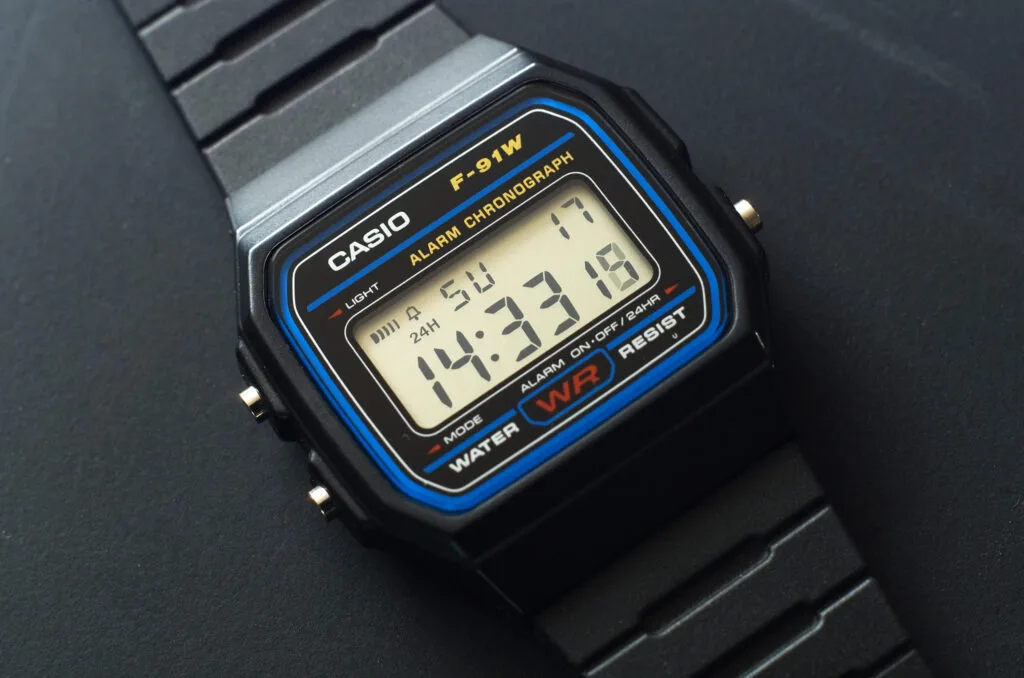
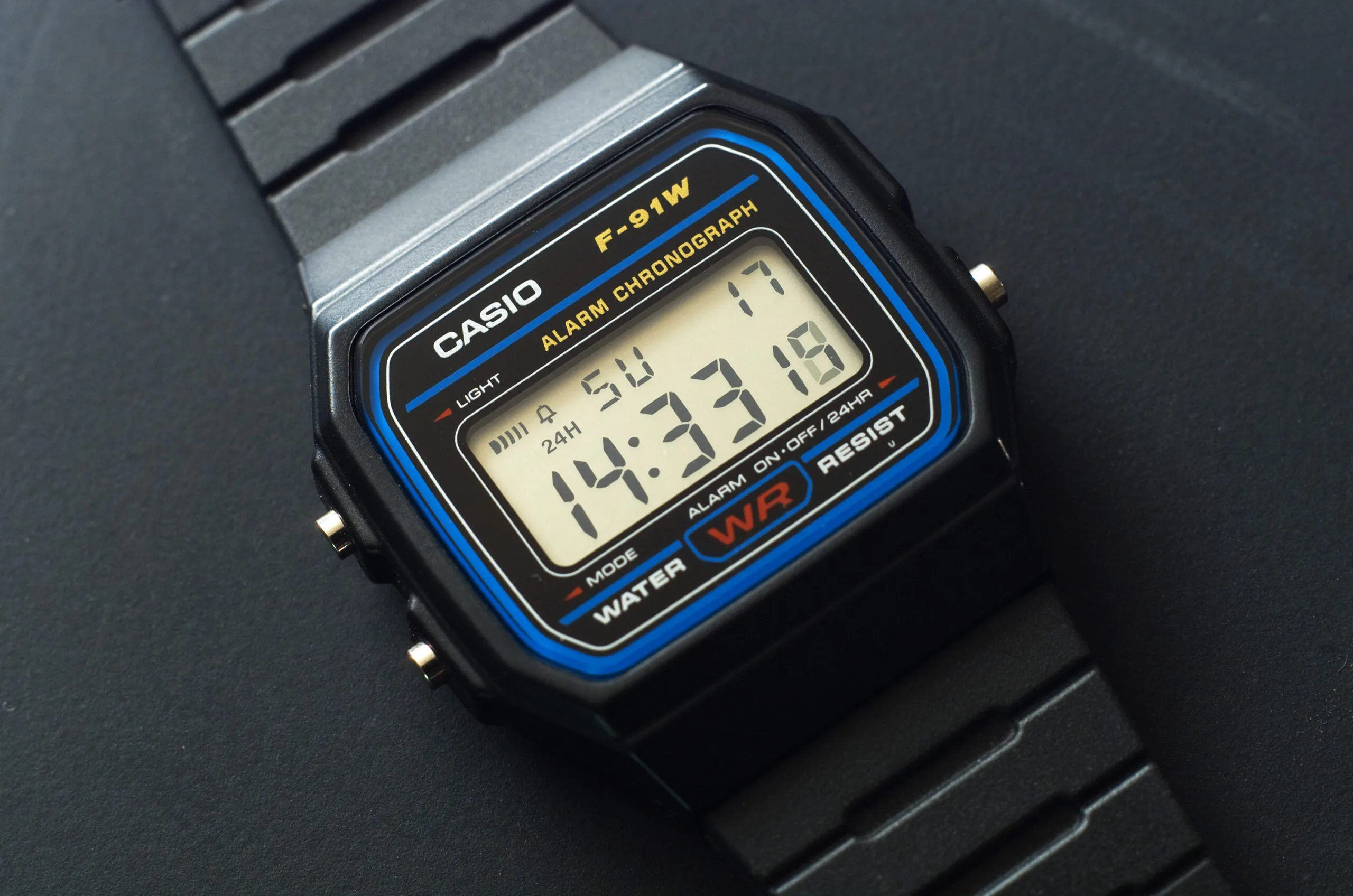
Casio organises its technical documentation by module, not by model name. The module number is a three or four digit code stamped on the caseback, usually inside a small box. An F-91W, for instance, runs module 593.
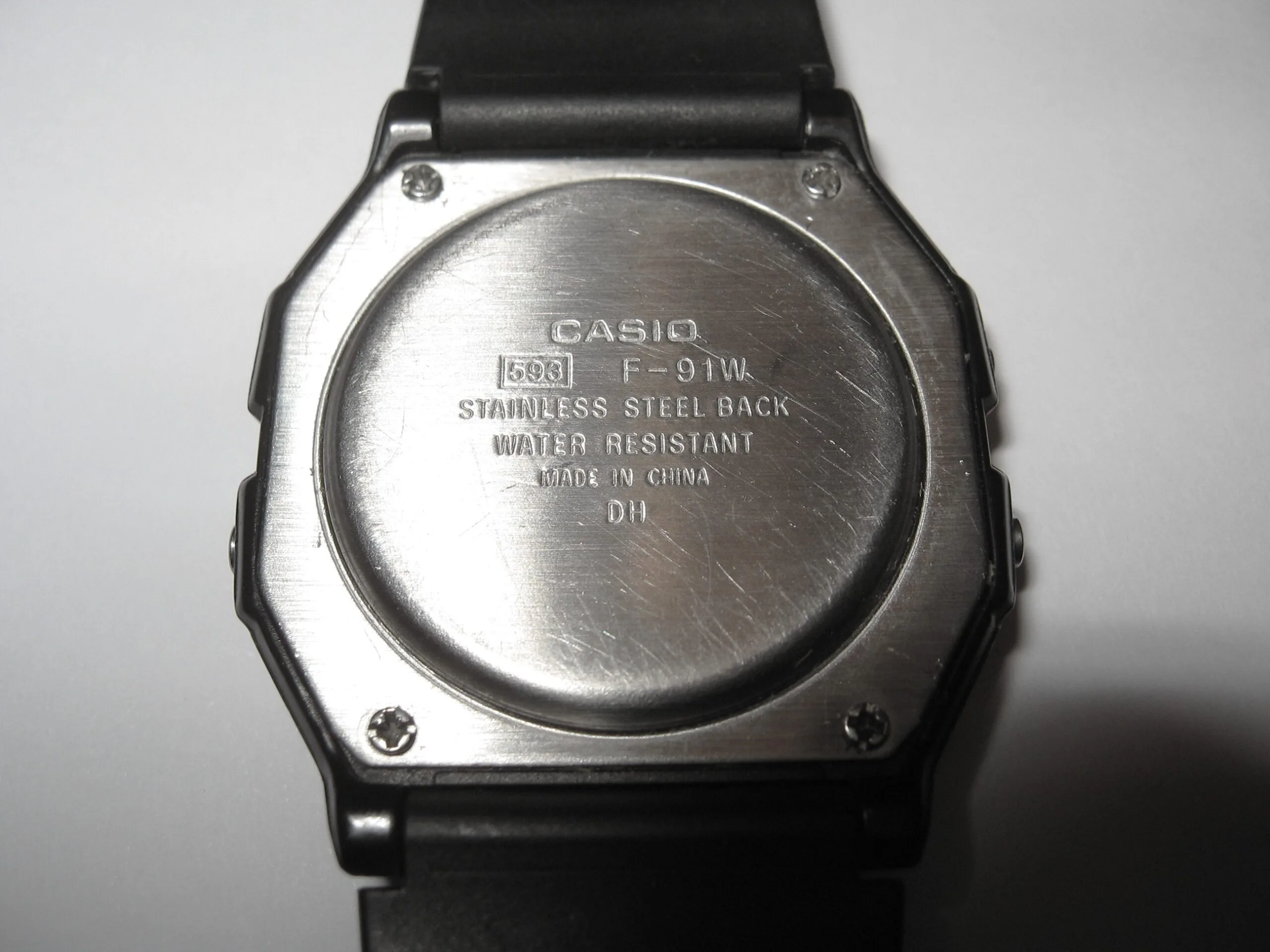
This matters because reset procedures genuinely differ between modules, and a guide written for someone else’s Casio can send you looking for a contact that is not there.
The AC Reset
AC stands for All Clear. Nearly every Casio digital module has a small gold contact marked AC near the battery, and shorting it forces the microprocessor back to its default state. This is what clears a genuinely corrupted display, and it is the step most often skipped after a battery change.
Casio’s own service documentation gives the procedure as touching the AC contact and the positive side of the battery or the main plate, holding the contact for about two seconds.
- Open the caseback with the battery in place.
- Find the contact marked AC. On some modules it sits recessed in a small hole, in which case a sewing needle or the blade of a fine screwdriver reaches it where tweezers will not.
- Bridge AC and the exposed upper face of the battery with metal tweezers for two to three seconds.
- The display should snap to a default screen, often a flashing 12:00, or briefly show all segments.
- Close it up and set the time from scratch.
Why Guides Disagree About Positive and Negative
Search this and you will find people insisting the AC contact goes to positive, and others equally sure it goes to the negative mark on the module frame. Both are describing the same action.
On the overwhelming majority of Casios the battery is installed positive side up, so the exposed top face you are touching is the positive one. A small number of modules are marked minus UP on the frame, meaning the battery is fitted the other way round, and on those the exposed face is negative.
So the reliable instruction is to bridge AC to the battery’s exposed upper surface, whichever pole that happens to be on your module. Check the frame marking rather than assuming.
Two Cautions Worth Taking Seriously
Use plastic tweezers to handle the battery, metal only for the AC short. Metal tweezers gripping a coin cell across both poles will discharge it, and you can shorten the life of a brand new battery before the watch has even restarted.
Opening the caseback ends the factory water resistance. The rubber gasket needs to be clean, lightly greased with silicone and properly seated when you close it. If the watch is one you swim with, that is not optional.
For screw-down casebacks a back case remover set is the right tool. Many Casio digitals instead use four small screws, which need a decent precision screwdriver rather than anything improvised.
Still Wrong After a Reset
- Check the battery is the correct type and the right way up for your module.
- Look at the small contact springs and strips around the battery bay. A bent one is a common cause and easy to miss.
- Look for white or green residue from an old leaking battery. Corrosion on the contacts will defeat any reset.
- If a module has no AC contact at all, remove the battery, wait thirty seconds and refit it.
Conclusion
Press a button, then try the button combinations, then look up your module number, and only then open the watch for an AC reset. Most all-segment displays are either the check mode or a module that never got reset after a battery change, and neither is a fault.
Related Guides
- How to fix a faded G-Shock display: when the segments are dim or missing rather than all lit at once.
- G-Shock buttons stuck or unresponsive: worth checking if the button combinations above do nothing at all.
- G-Shock strap cracking: why resin bands degrade: the other thing to inspect while you have the watch off.
Image credits: Casio F-91W caseback by Multicherry, CC BY-SA 4.0. Casio F-91W watch via Wikimedia Commons, CC BY-SA 3.0.