One honest thing to know before you start: Fossil doesn’t use one universal procedure across every 3-dial watch. Fossil’s own instruction manuals confirm the crown might pull out to position 2 or position 3 depending on the exact movement inside yours, and the direction you turn it for date versus time can differ too. The steps below cover the most common pattern, but if your watch doesn’t behave exactly as described, check the model number on the case back and look up that specific movement’s manual on Fossil’s site, it takes a minute and saves guesswork.
Familiarize Yourself with the Dials
A Fossil watch with three dials typically has one main dial for standard timekeeping and two smaller sub-dials. Depending on the model, those sub-dials show some combination of the date, the day of the week, a 24-hour indicator, or a second time zone. Look at your specific watch face and note what each sub-dial displays before you start adjusting anything.
Start with the Main Dial
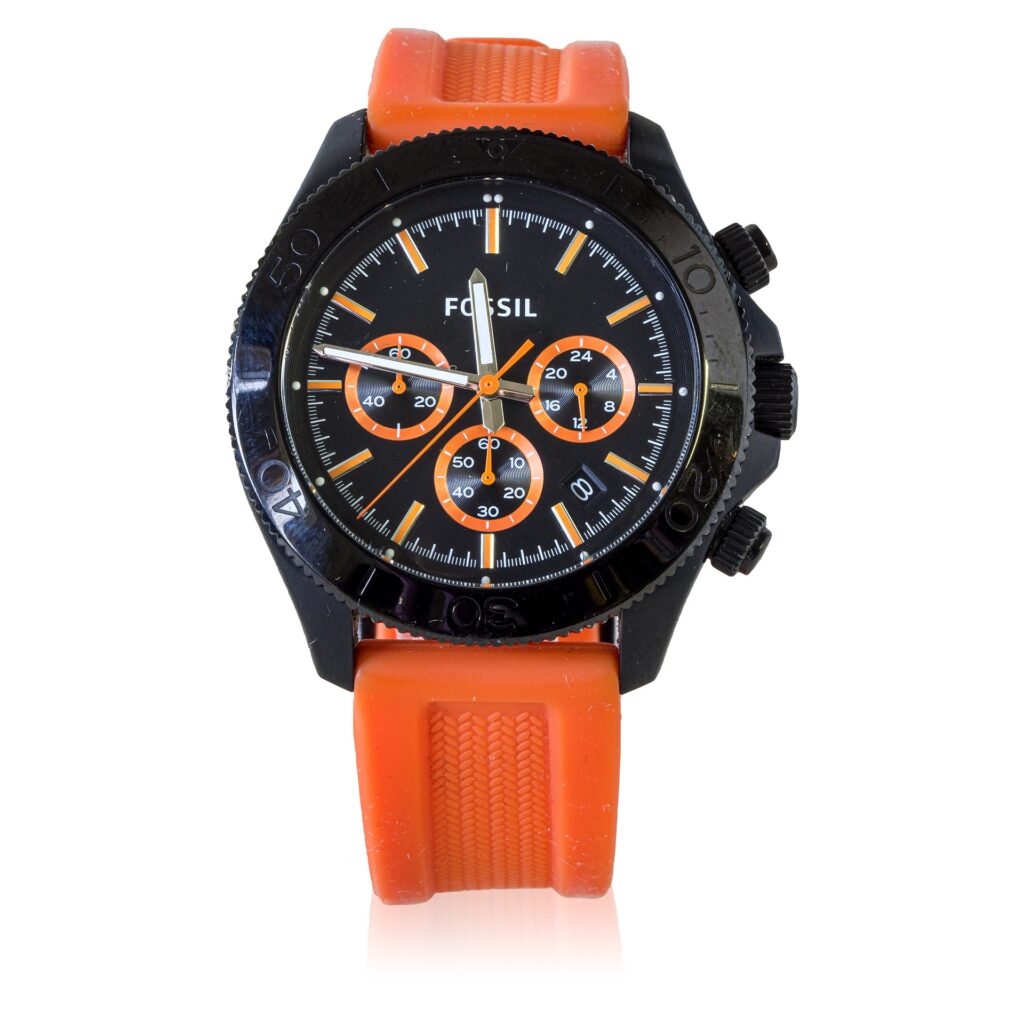
- Pull the crown out to the first position. This is the position that lets you adjust the main time.
- Rotate the crown to set the correct time. Watch the sub-dials as you turn, on most multifunction movements they’ll shift along with the main hands, which is normal.
- Push the crown back flush against the case once the time is correct.
Setting the Date Sub-Dial
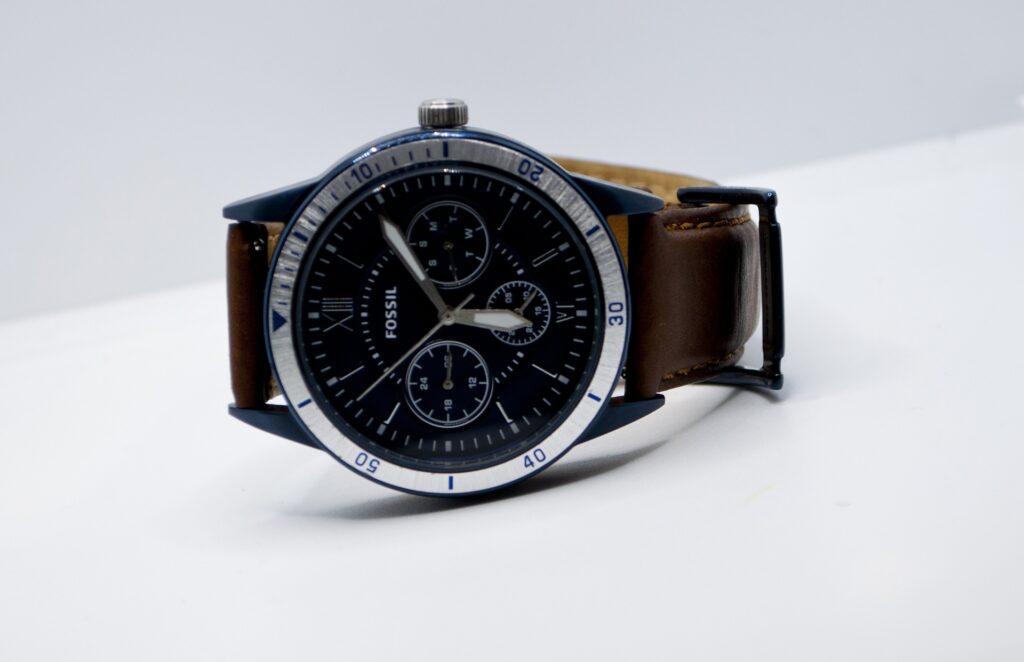
- Pull the crown out to the second position (the next notch after the main-time position).
- Turn the crown to advance the date sub-dial. Direction varies by model, if turning one way doesn’t move it, try the other.
- Push the crown back in once the date is correct.
Avoid adjusting the date between roughly 9 PM and 2 AM. Many movements are mid-cycle on their automatic date change during that window, and forcing the sub-dial then can jam the date-change mechanism.
Adjusting the 24-Hour or Day Sub-Dial
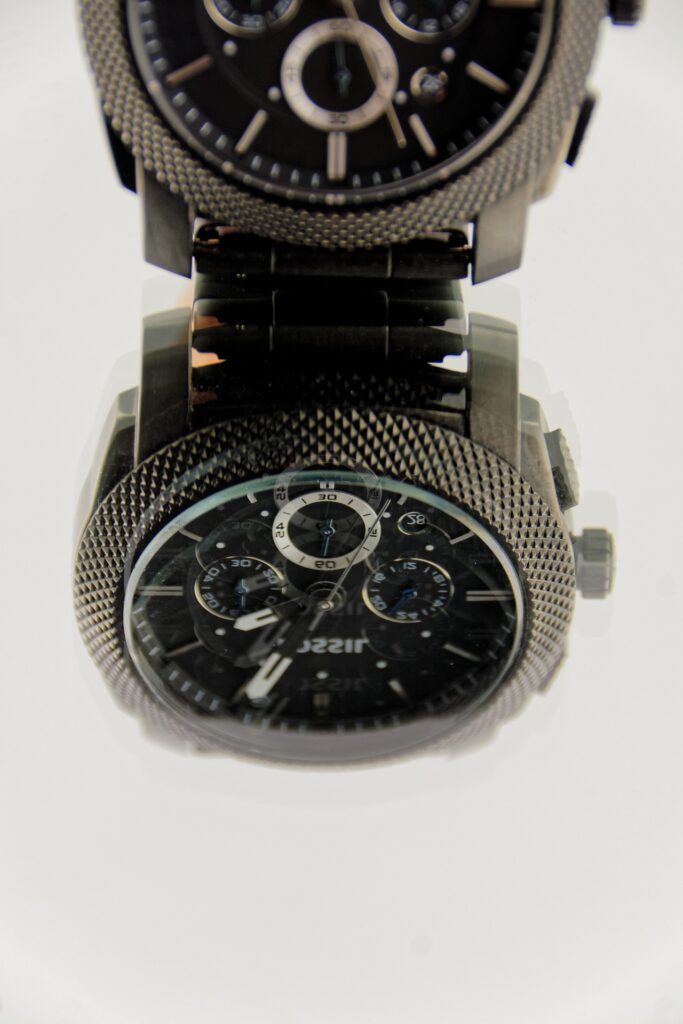
If your third sub-dial tracks a 24-hour indicator or the day of the week rather than a second date function, it’s usually adjusted from that same second crown position, just turned the opposite direction from the date. On some models it moves automatically as you set the main time in the first step and needs no separate adjustment at all. This is the point where checking your specific model’s manual saves the most guesswork, since this is where Fossil’s movements vary the most.
Double-Checking and Fine-Tuning
Once all three dials are set, cross-check the time against a reliable source like your phone, and confirm the date and any secondary indicator line up correctly with the main time.
Conclusion
The main dial and date sub-dial follow a fairly consistent pattern across Fossil’s multifunction watches, but the third sub-dial is where models diverge the most. If something doesn’t move the way you expect, that’s a sign to check your watch’s specific manual rather than a sign you’re doing something wrong. If you’re dealing with a Fossil Gen Wear OS smartwatch rather than an analog 3-dial watch, see our guide on Fossil smartwatch won’t charge instead.