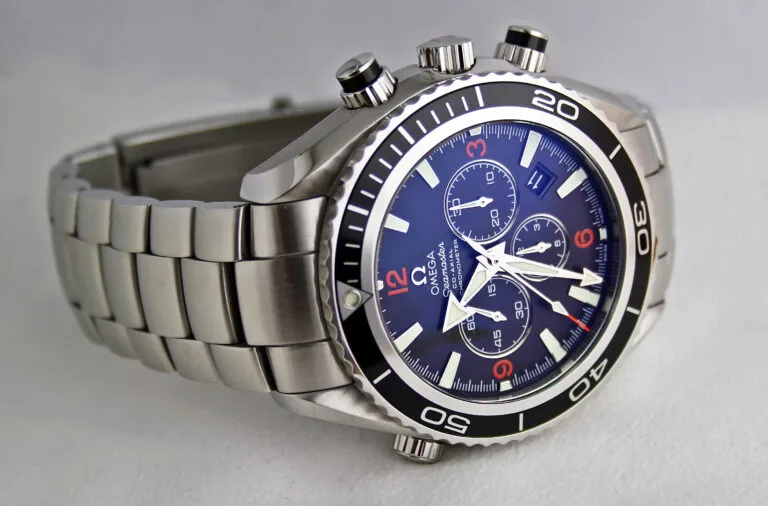
A chronograph pusher that won’t reset the sub-dials back to zero almost always means the hands have fallen out of sync with the internal reset mechanism, not that something is broken. This is a well-documented quirk of quartz chronograph movements, and it’s fixable at home in most cases.
Why This Happens
Inside a quartz chronograph, the sub-dial hands are driven by small stepper motors, separate from the timekeeping motor. A battery change, a hard knock, or even just years of use can leave a sub-dial hand slightly off its true zero position. When you press reset, the mechanism still thinks it moved the hand back to zero, even though the hand itself is sitting a few minutes off.
Finding Your Movement Number First
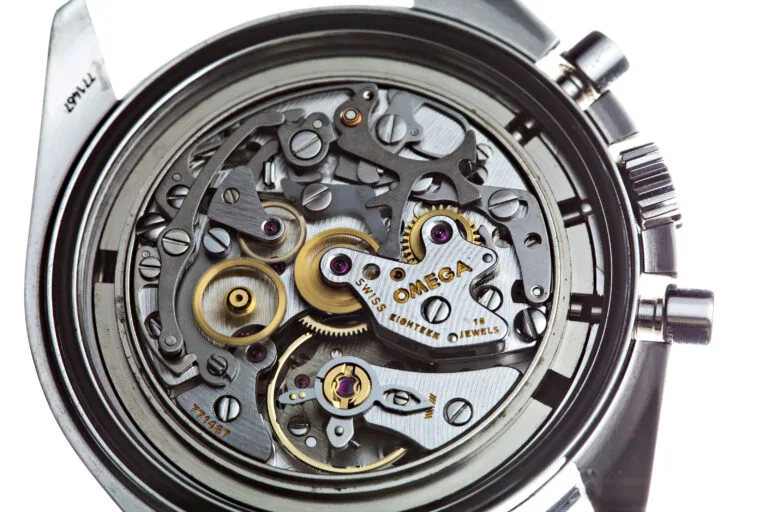
Before attempting a reset, it helps to know which movement you actually have, since the exact crown position and pusher sequence vary between them. Check the case back: Seiko usually stamps a reference number there, and the movement code (often starting with VK, VD, or 7T for chronograph calibers) is listed in the watch’s manual or on Seiko’s own parts lookup by that reference number. The VK63 and VD53 families are the most common in Seiko’s chronograph lineup, and the general reset procedure below applies to both, though the exact crown click can differ.
The Home Fix: Hand Reset Mode
Most Seiko quartz chronograph movements have a hidden reset mode for exactly this problem, documented across quartz chronograph brands generally, with brand-specific quirks for the exact crown position. The general procedure is:
- Pull the crown out to the outermost position (this typically stops the main seconds hand).
- Press and hold the top pusher for a few seconds until the misaligned sub-dial hand jumps or starts moving quickly.
- Use short presses of the top or bottom pusher to walk the hand precisely to its zero mark.
- Repeat for any other sub-dial that’s off.
- Push the crown back in once every hand is at true zero.
This resets the hand’s physical position without needing to open the case.
A Related but Different Problem: Hands That Don’t Move at All
If pressing the chronograph start/stop pusher does nothing at all, no hand movement whatsoever, that’s a distinct issue from a hand being off zero, and it usually points to a dead or dying battery rather than a hand-alignment problem. Try a fresh battery before assuming the stepper motor itself has failed.
If It Still Won’t Line Up
If a sub-dial hand jumps erratically, moves the wrong direction, or won’t respond to the reset sequence at all even with a fresh battery, the stepper motor coil or the hand itself may be damaged, often from an impact. That’s a watchmaker repair rather than a home fix.
Preventing This From Happening Again
Sub-dial misalignment is often triggered by pressing the pushers while the crown is in the wrong position, or by a battery being swapped without the chronograph first being reset to zero. If you’re having a battery replaced, ask whoever does it to reset the chronograph to zero before removing the old battery, most watchmakers do this automatically, but it’s worth confirming if you’re doing it yourself. Avoid pressing the start/stop pusher forcefully or at an angle, which is a common way the stepper motor’s position gets thrown off on older, more worn examples.
If it’s the running seconds hand stuttering rather than the chronograph sub-dials, that’s a different cause, see our guide on why a Seiko 5’s second hand skips. For general accuracy issues on Seiko automatics, our guide on why Seiko automatics lose time covers the most common causes.
Conclusion
A sub-dial that won’t return to zero is almost always a hand-alignment issue, not a broken movement, and most Seiko quartz chronographs have a built-in reset mode to fix it in a couple of minutes. If the hand won’t respond at all to that procedure, or nothing moves even with a fresh battery, that’s the point to hand it to a watchmaker.