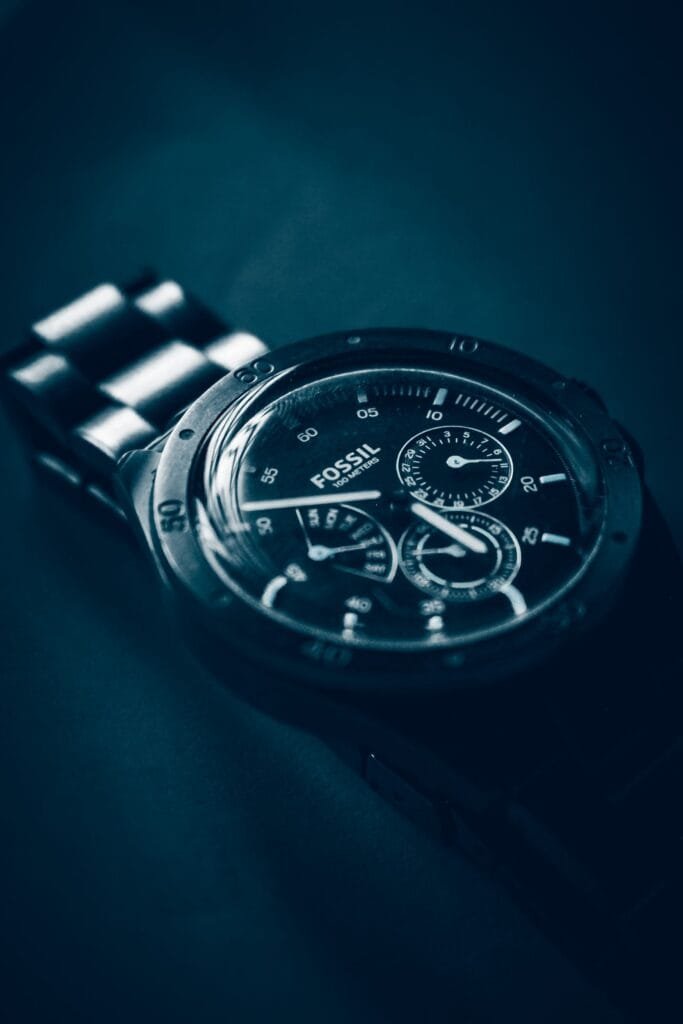
A Fossil chronograph hand not returning to zero is one of the most common quartz chronograph complaints, and it is almost never a broken watch. The movement simply remembers the wrong position as zero, usually after a battery change or a knock. A crown-and-pusher sequence built into the movement lets you teach it the right position again, with no tools and no case opening.
First, Is It Actually a Chronograph?
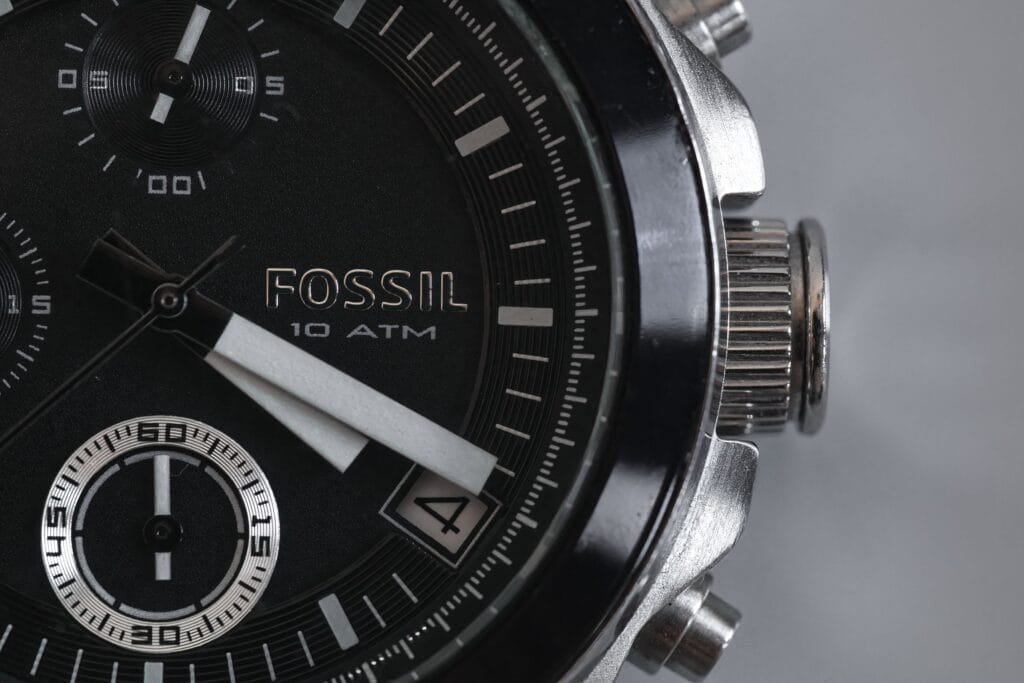
Many Fossil watches have three small dials but no stopwatch at all. Those multifunction models show day, date and 24-hour time on their sub-dials, and nothing here applies to them. The quick test: a true chronograph has pushers on either side of the crown, and pressing the top one starts a seconds hand sweeping. If yours has no pushers, the guide to setting a Fossil with three dials is the one you need.
Why the Hand Loses Zero
On a quartz chronograph the chronograph hands are driven by small stepping motors. The movement does not see where the hands physically are; it only counts steps from what it believes is zero. Anything that disturbs that count leaves the hand parking in the wrong place:
- A battery change. The most common trigger by far. The movement loses its reference when power is cut.
- A knock or drop. A sharp shock can make a hand skip a step.
- A dying battery. Low voltage can make the motors miss steps before the watch stops entirely.
Before You Start
- Stop the chronograph if it is running, using the top pusher.
- Press the bottom pusher to reset it. The hands will return to wherever the movement thinks zero is.
- Note which hands are off: the big centre seconds hand, a minute sub-dial, or both.
The Reset: Most Fossil Chronographs
Fossil uses quartz chronograph movements from makers such as Miyota and Seiko Instruments, and the zero adjustment follows the same pattern across most of them. Miyota’s own instructions for its 0S10 chronograph calibre set it out like this:
- Pull the crown out to the second position, the one you use to set the time.
- Press the top pusher (A) to step the chronograph seconds hand forward. Hold it down to make the hand move quickly, then tap to land exactly on 12.
- Wait until the hand has completely stopped moving.
- Push the crown back in.
- Test it: start, stop and reset the chronograph. The hand should now return to 12.
Step 3 matters more than it looks. Miyota warns that if you push the crown in while the hand is still moving, it stops part-way and the movement records that position as zero. Then you are back where you started.
On some movements the bottom pusher (B) moves the hand backwards in the same mode, which saves a full trip round the dial. On others, pressing B switches to the next chronograph hand, such as the minute counter, so you can zero that too. If B does neither on your watch, your movement only allows the seconds hand to be adjusted.
Find Your Exact Instructions
Fossil prints the style number on the caseback, starting with letters such as FS, CH or BQ. Searching that number with “instructions” usually turns up the manual for your movement, which confirms which pusher does what. It is worth checking if the steps above do not behave as described.
When the Reset Does Not Work
- The hand will not move at all in reset mode. Check the crown is genuinely in the second position, not the first. If it is, suspect a flat battery.
- It resets correctly, then drifts off again within days. A weak battery is the usual cause. Replace it before anything else.
- It moves in reset mode but returns to the same wrong spot every time. The hand may have slipped on its post after a knock. That needs the hand refitted, which is a short watchmaker job.
If you do get the battery changed, ask for the case seal to be checked at the same time. The battery and water resistance guide explains why opening the case is the real risk, not the battery.
Conclusion
Stop and reset the chronograph, pull the crown to the time-setting position, step the hand to 12 with the top pusher, wait for it to stop, and push the crown home. If it drifts again, change the battery. Only a hand that refuses to move or keeps returning to the same wrong place needs a watchmaker.
Related Guides
- Setting a Fossil watch with three dials: for multifunction models without a stopwatch.
- Seiko chronograph not resetting to zero: the same fault on a Seiko, with its own reset mode.
- TAG Heuer chronograph hands misaligned: how the reset differs on a TAG.
Image credits: Fossil chronograph photographs by Ruben Boekeloo and Jerin Mathew via Pexels.