Knowing how to charge a Casio Tough Solar watch is mostly about light intensity. Casio’s own charging tables show the gap is enormous: a few minutes in direct sun does what a full working day under office lights does. Here is what the manuals actually say, how to read the charge level, and when a watch that will not charge needs more than light.
This post contains affiliate links. We may earn a small commission if you purchase through them, at no extra cost to you.
How Long Charging Actually Takes
These figures come from Casio’s operation guide for module 3563, a typical digital G-Shock. Other modules differ slightly, but the pattern is the same across the range.
| Light | One day of running | Dead to medium |
|---|---|---|
| Sunny day, outdoors (50,000 lux) | About 5 minutes | About 3 hours |
| Sunny day, near a window (10,000 lux) | About 24 minutes | About 10 hours |
| Overcast day, near a window (5,000 lux) | About 48 minutes | About 19 hours |
| Indoor fluorescent lighting (500 lux) | About 8 hours | About 271 hours |
Read the last row twice. Indoor light keeps a healthy watch ticking over, but it will barely move a flat one. A watch that lives under a shirt cuff and a desk lamp slowly loses ground, which is why so many Tough Solar watches “die” in winter.
The Fastest Safe Way to Charge
- Put the watch dial-up on a windowsill that gets direct sun, or outdoors in daylight.
- Keep the whole face uncovered. Casio notes that even partly blocking the dial reduces power generation.
- On an overcast week, a bright LED desk lamp placed close to the dial helps. LEDs give light without much heat.
- Leave it until the charge indicator shows high, not just until the hands or display start moving.
Where Not to Charge It
Casio’s manuals list the places to avoid: the dashboard of a car parked in the sun, near an incandescent bulb or other heat source, and anywhere in strong sun for long periods. The watch can also get hot to the touch while charging, so pick it up carefully. Heat ages the rechargeable battery, which is the one part that eventually wears out.
Reading the Charge Level
Digital models show H, M or L on the display. On module 3563, Casio describes it like this:
- H or M: everything works.
- L with LOW flashing: the light and alarm sounds switch off, and only timekeeping is left.
- CHG flashing: all functions are disabled. Charge it now.
- Blank display: dead. Settings return to factory defaults once it recovers, so you will need to set it again.
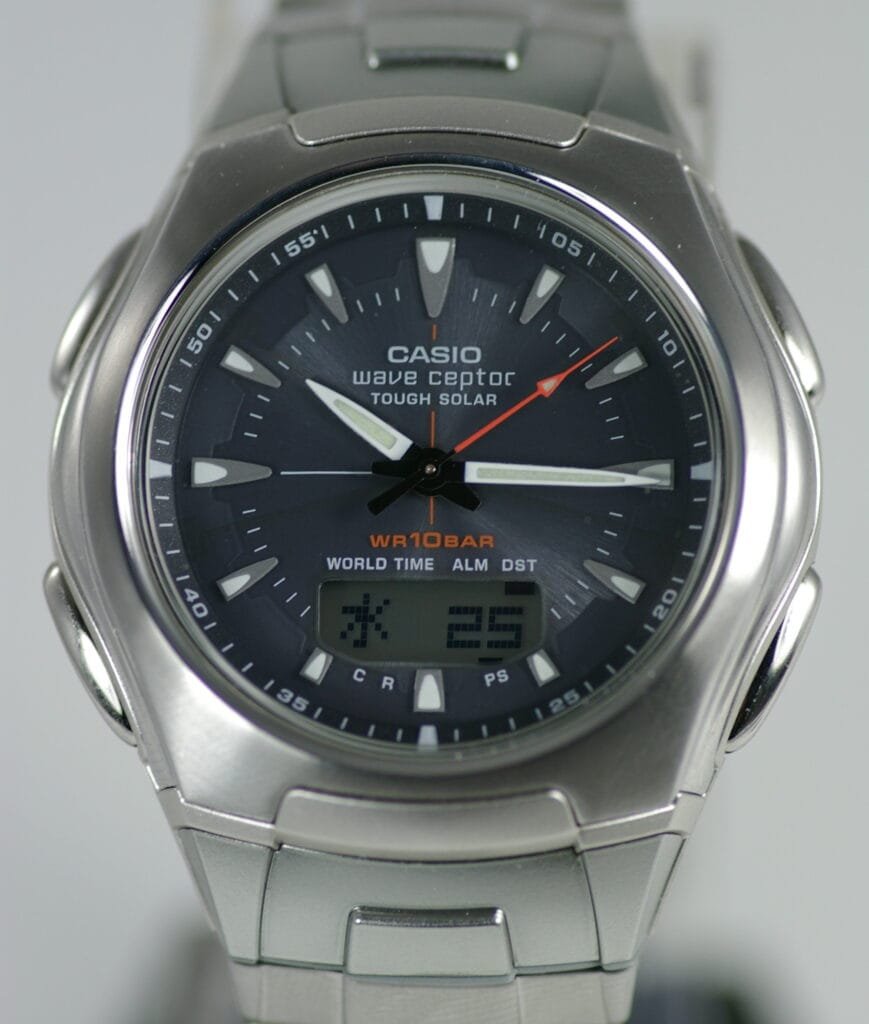
Analog Tough Solar models warn you with the second hand instead. After a dead watch is put in light, Casio describes the second hand turning anticlockwise and stopping at 57 seconds while it recovers.
A Blank Screen Is Not Always a Flat Battery
Many digital models have a power saving function. On module 3563, leaving the watch in the dark for about an hour between 10pm and 6am blanks the display, and six or seven days in the dark disables everything. Pressing any button or moving it into light brings it back. If a watch kept in a drawer shows nothing, try a button press before assuming the worst.
Casio’s Tough Solar overview quotes a reserve of up to 24 months in darkness, helped by the power saving function. Reserves vary by model: one analog module’s guide quotes about seven months from a full charge.
When Light Will Not Fix It
Casio’s own guidance is that if the watch stays stopped after a long period of continuous light, the battery may be over-discharged and need replacing by a Casio service centre or the original retailer. Give it a genuine chance first: several days on a sunny windowsill, not one evening under a lamp. If it still will not recover, the rechargeable cell has reached the end of its life, which after many years of use is normal wear rather than a fault.
Conclusion
Sunlight through a window is the charger. Five minutes of direct sun covers a day; office lighting barely keeps up. Keep the dial uncovered, keep it away from heat, charge until the indicator reads high, and only suspect the battery after several genuinely sunny days without recovery.
Related Guides
- How to fix a faded G-Shock display: when a weak screen is the LCD itself rather than the charge.
- Replacing a G-Shock battery without losing water resistance: what to check if the cell does need changing.
- Why a Citizen Eco-Drive stops charging: the same problem on Citizen’s solar system.
- How to store multiple watches: why solar watches should never live in a dark box.
Image credits: G-Shock photograph by Pixabay via Pexels; Casio Tough Solar Wave Ceptor photograph via Wikimedia Commons, used under its licence.